Upgrading FlatFrog Board for Room is as easy as using the whiteboard.
When a new version i released you get a notification on the start screen to "Restart to update".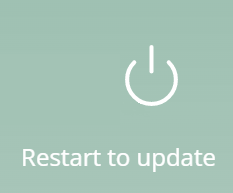
Just click icon and close FlatFrog Board for Rooms. Wait a minute (depening on your internet connection) and you will notice the icons flash once.
Then you can start FlatFrog Board again and it should be updated.
You can always see the version by clicking the FlatFrog icon or click the About in the hamburger menu after starting the whiteboard.
English
![FlatFrog_logo.svg]](https://help.flatfrog.com/hubfs/FlatFrog_logo.svg)