![FlatFrog_logo.svg]](https://help.flatfrog.com/hubfs/FlatFrog_logo.svg)
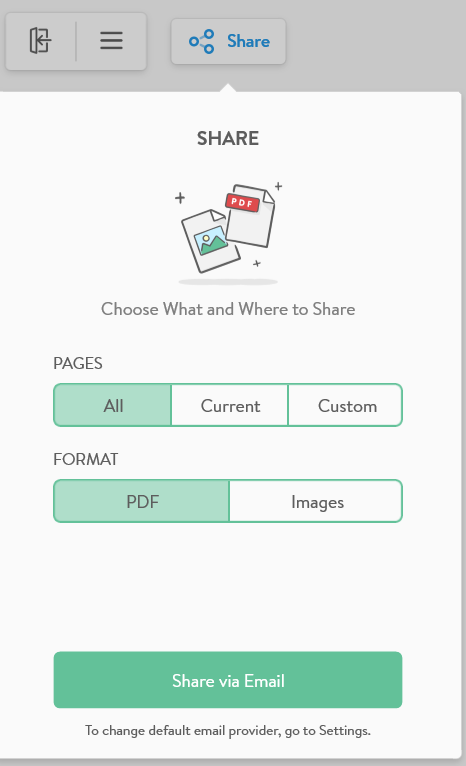 |
You can share the contents of your Board with your colleagues as a PDF or a set of Images. This uses FlatFrog's default email provider, but if you would like to use your own go to Settings > Email Settings. |
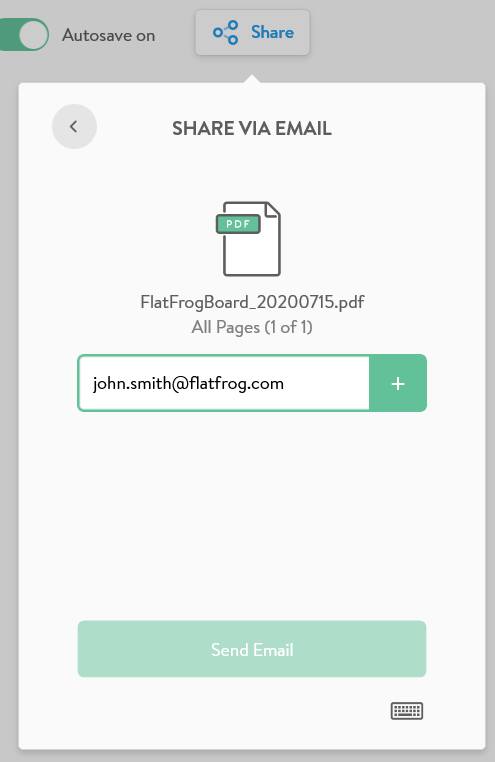
| Type in the emails of your colleagues and press '+' to add them to the recipients list. Press 'Send Email.' |
 |