Starting a New Board With a Template
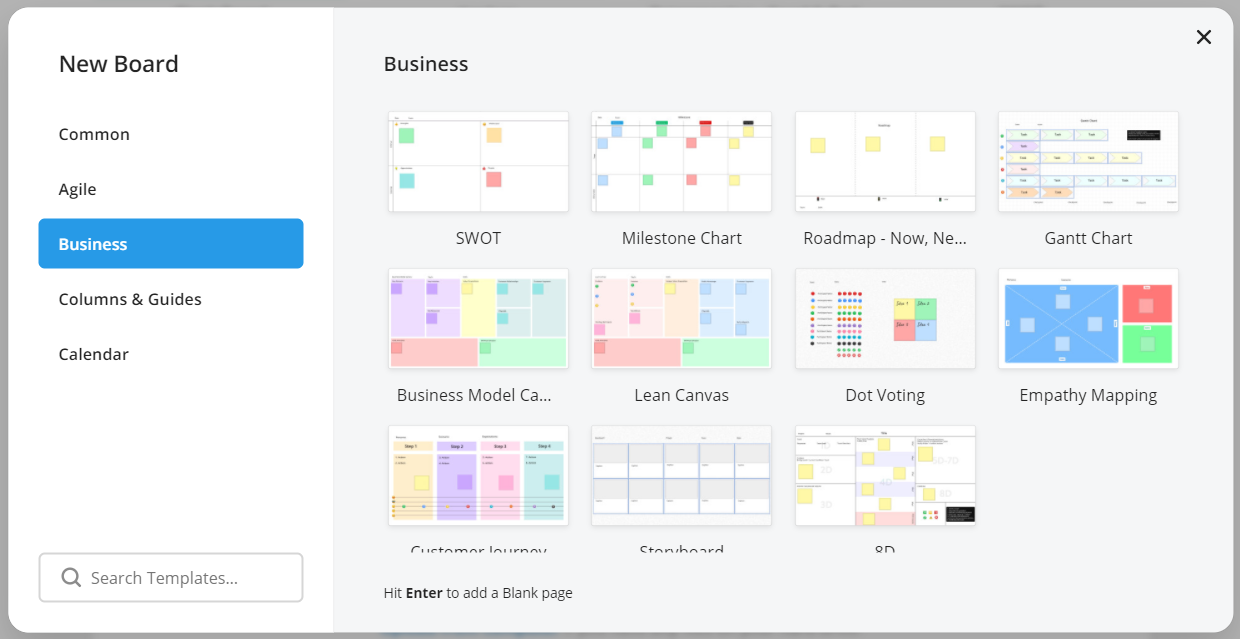
Selecting 'More Templates' from the Dashboard brings up a window with our complete selection of Templates. This will start a New Board.
Adding a Template as a Page
![FlatFrog_logo.svg]](https://help.flatfrog.com/hubfs/FlatFrog_logo.svg)
Selecting 'More Templates' from the Dashboard brings up a window with our complete selection of Templates. This will start a New Board.