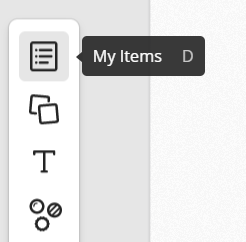
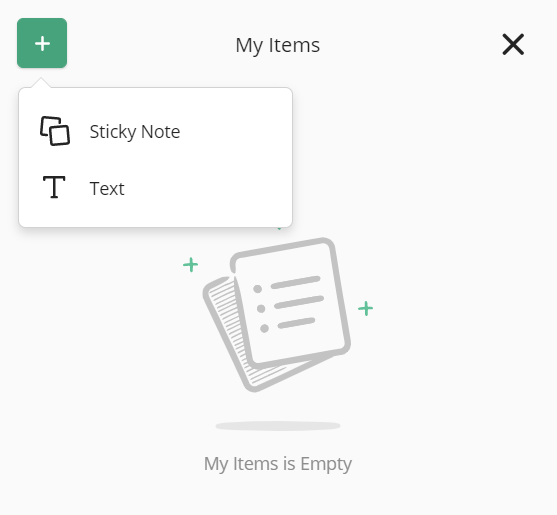
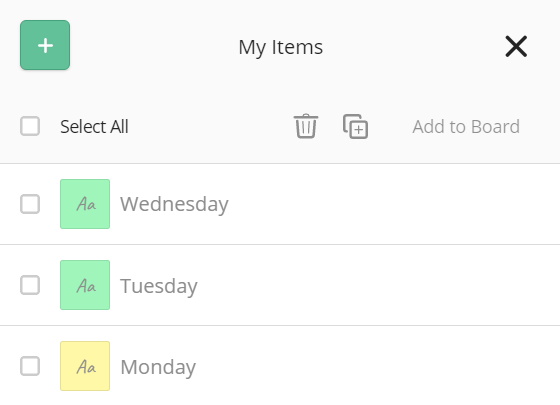
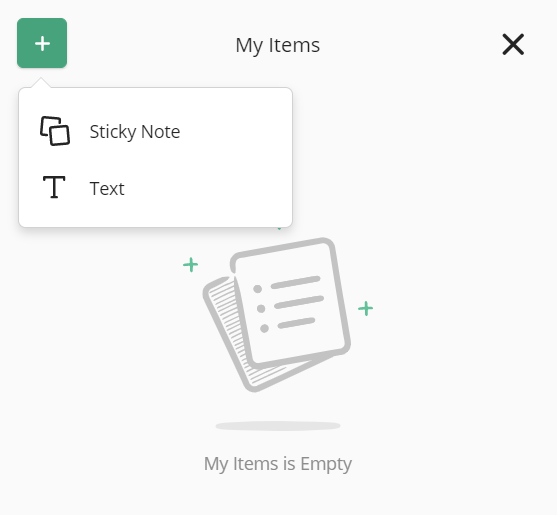
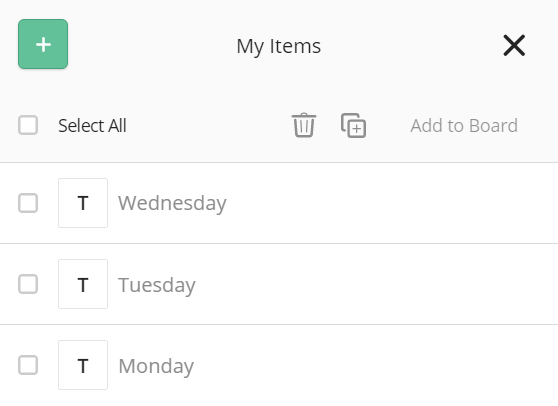
How Do I Use My Items? Use 'My Items' for preparing Sticky Notes and Text to send at a later time or in bulk. Sticky Notes Select 'My Items' from the toolbar. Select 'Sticky Note' from the green '+' button to bring up the Sticky Note editor. Use the keyboard shortcut when the Sticky Note editor window is open: Ctrl+Enter to rapidly save a Sticky Note and begin another. Add specific Sticky Notes to the Board at any time or send them all at once by clicking 'Select All' and 'Add to Board.' Similarly, you can select specific Sticky Notes to Delete. You can also select a Sticky Note to Duplicate. Text Select 'My Items' from the toolbar. Select 'Text' from the green '+' button to bring up the text editor. Here you can create text in quick succession. Add specific text items to the Board at any time, or send them all at once by clicking 'Select All' and 'Add to Board.' Similarly, you can select specific text items to Delete. You can also select text items to Duplicate.
![FlatFrog_logo.svg]](https://help.flatfrog.com/hubfs/FlatFrog_logo.svg)