![FlatFrog_logo.svg]](https://help.flatfrog.com/hubfs/FlatFrog_logo.svg)
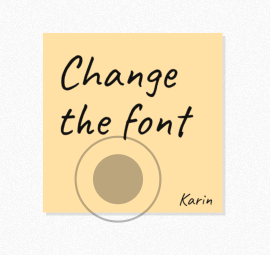 |
When you are in a remote collaboration session with other Participants just hold down the left mouse button until a circle and ring forms. Participants won't see the circle or the ring when grey. |
|
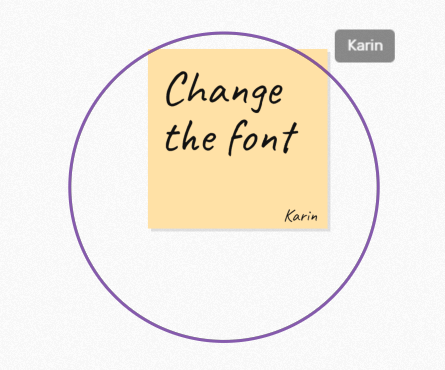
When the circle reaches the ring it becomes colored and expands with a label of your name before fading away. This lets you pinpoint items on the Board. When the colored ring appears, Participants will be able to see where you are pointing. |
 |
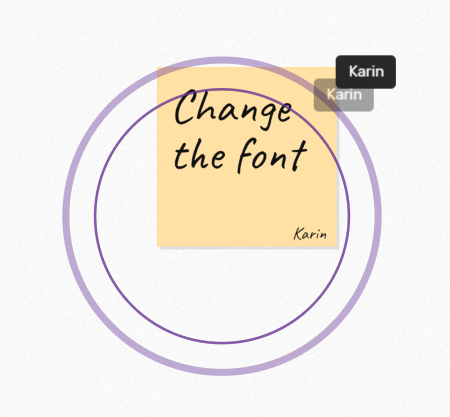 |
You can continuously hold down the left mouse button to create a ripple that further highlights an item. |