![FlatFrog_logo.svg]](https://help.flatfrog.com/hubfs/FlatFrog_logo.svg)
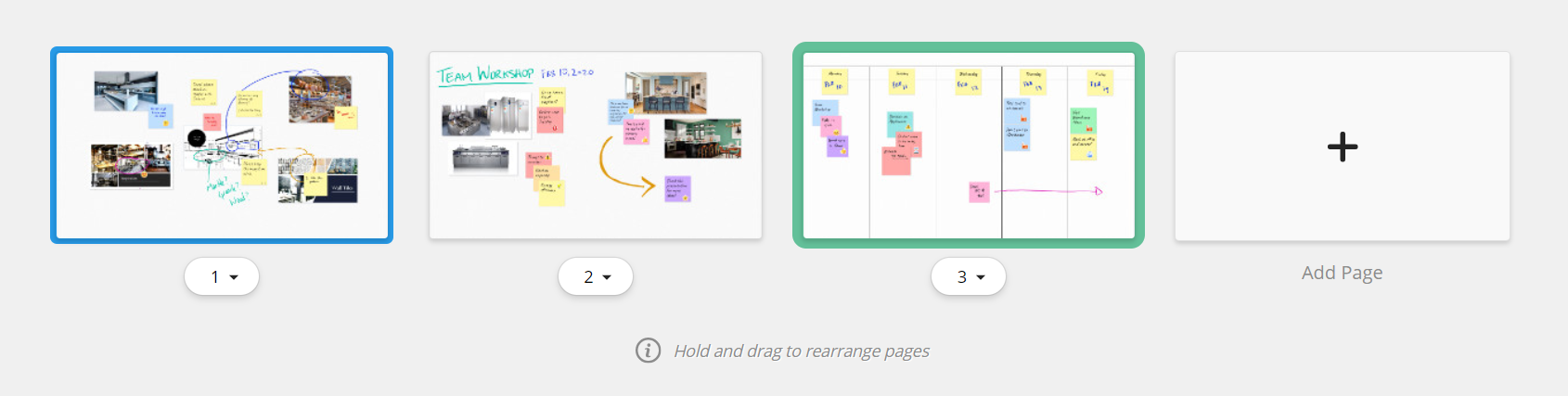
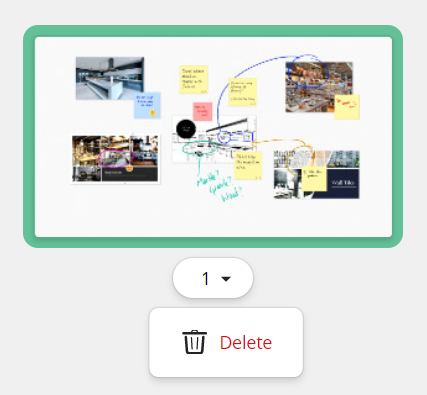
Grid View
Page View
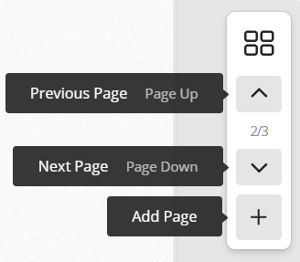 |
Change pages by using the up and down arrows to go to the previous or next page. Add a new page to your board by clicking on the '+' button. The new page will be added to the end of the list. |
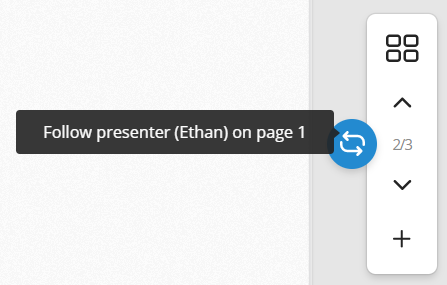 |
When you are on a different page than the host, you can use the Follow Presenter button to immediately go back to them. When you follow the presenter, if they change pages, you will change pages with them. |