![FlatFrog_logo.svg]](https://help.flatfrog.com/hubfs/FlatFrog_logo.svg)
How do I Search Content on My Board?
Search by text, sticker, or sticky note color to filter through content on your Board.
|
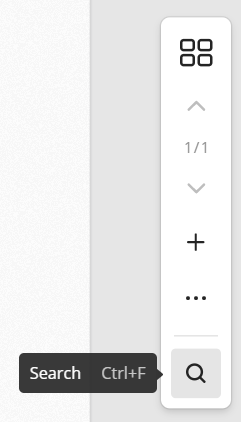
Open the Search bar by selecting it from the right toolbar or with Ctrl/Cmd + F. When the Search bar appears, the Board will become gray. As you type, valid results will appear in its original color. You search with a combination of text, colors, and stickers. Press Esc or the 'X' to close the Search bar. |
|
| Search by text to filter through sticky notes and text boxes. Valid results will be highlighted with their original color. | 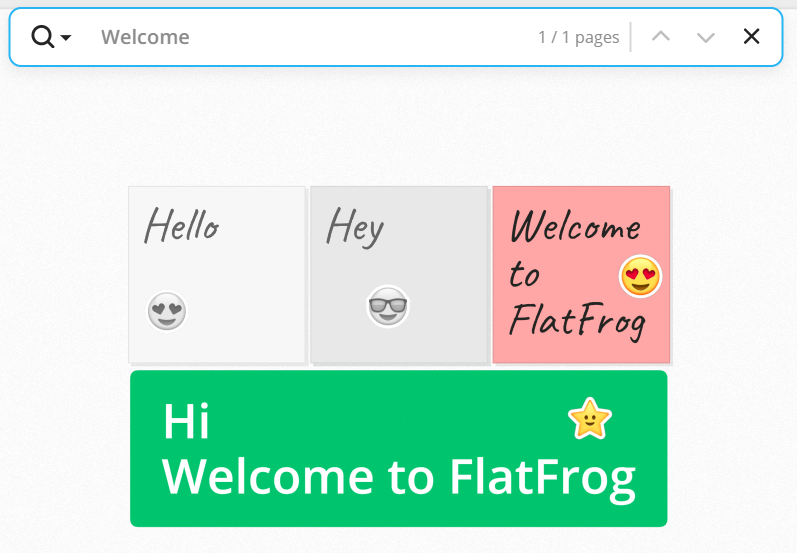 |
| Search by color to filter through sticky notes. Valid results will be highlighted with their original color. | 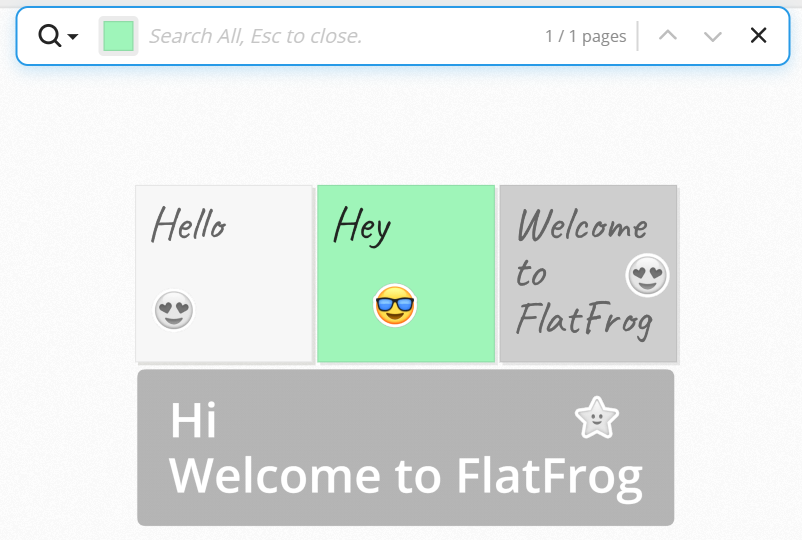 |
| Search by sticker to filter through stickers. Valid results will be highlighted with their original color. | 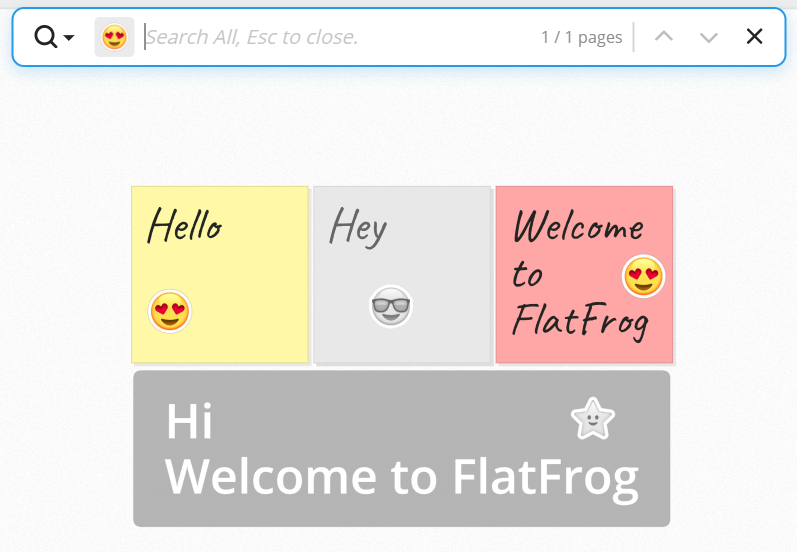 |
| Search will also filter items on different pages. Use the up and down arrows to go through each page with valid results. |
|