![FlatFrog_logo.svg]](https://help.flatfrog.com/hubfs/FlatFrog_logo.svg)
Creating an Account
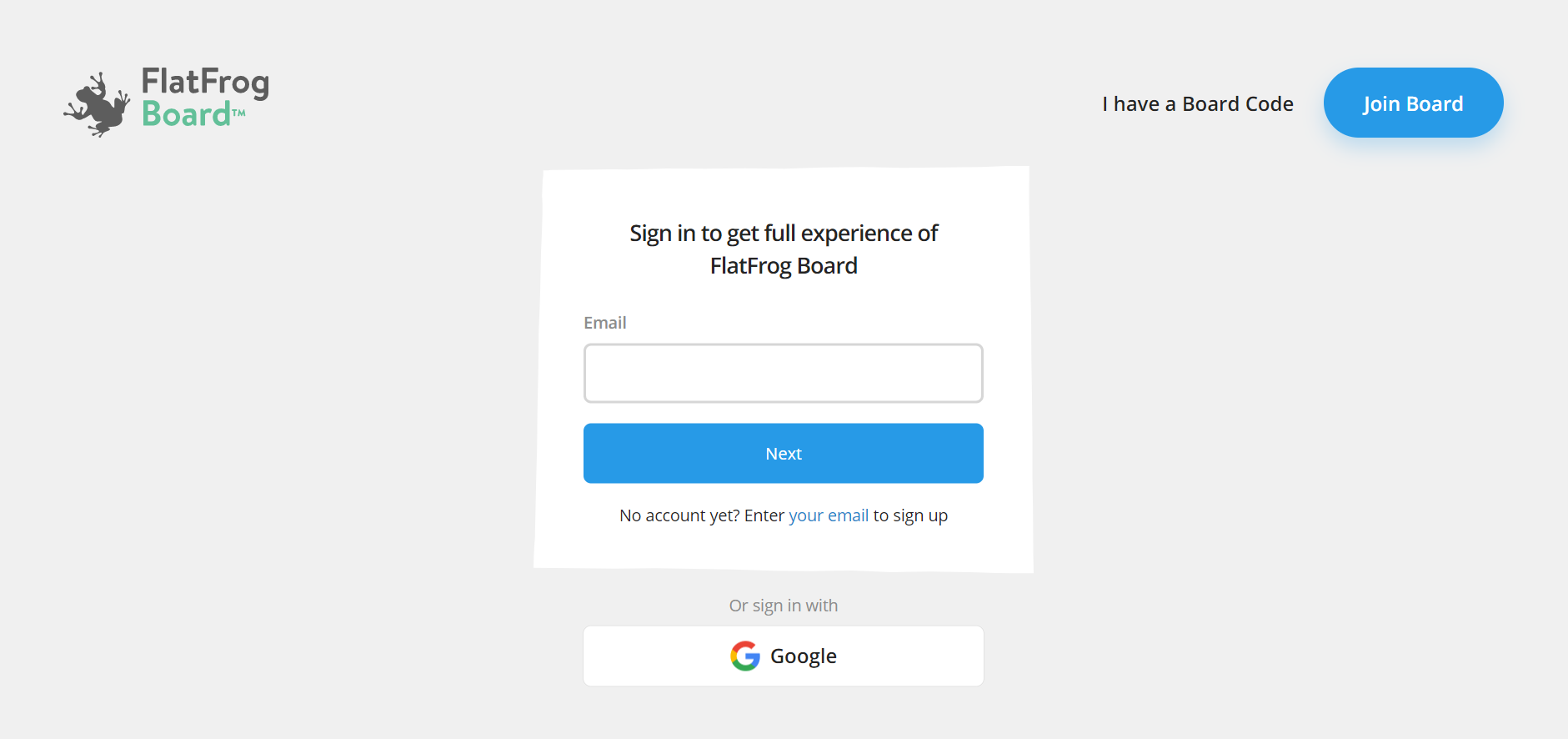
Start by creating an account with FlatFrog Board at flatfrogboard.com. If you have a previously created account for FlatFrog Board for Rooms, you may use that to sign in. You can also use your Google account to quickly make a FlatFrog Board account.
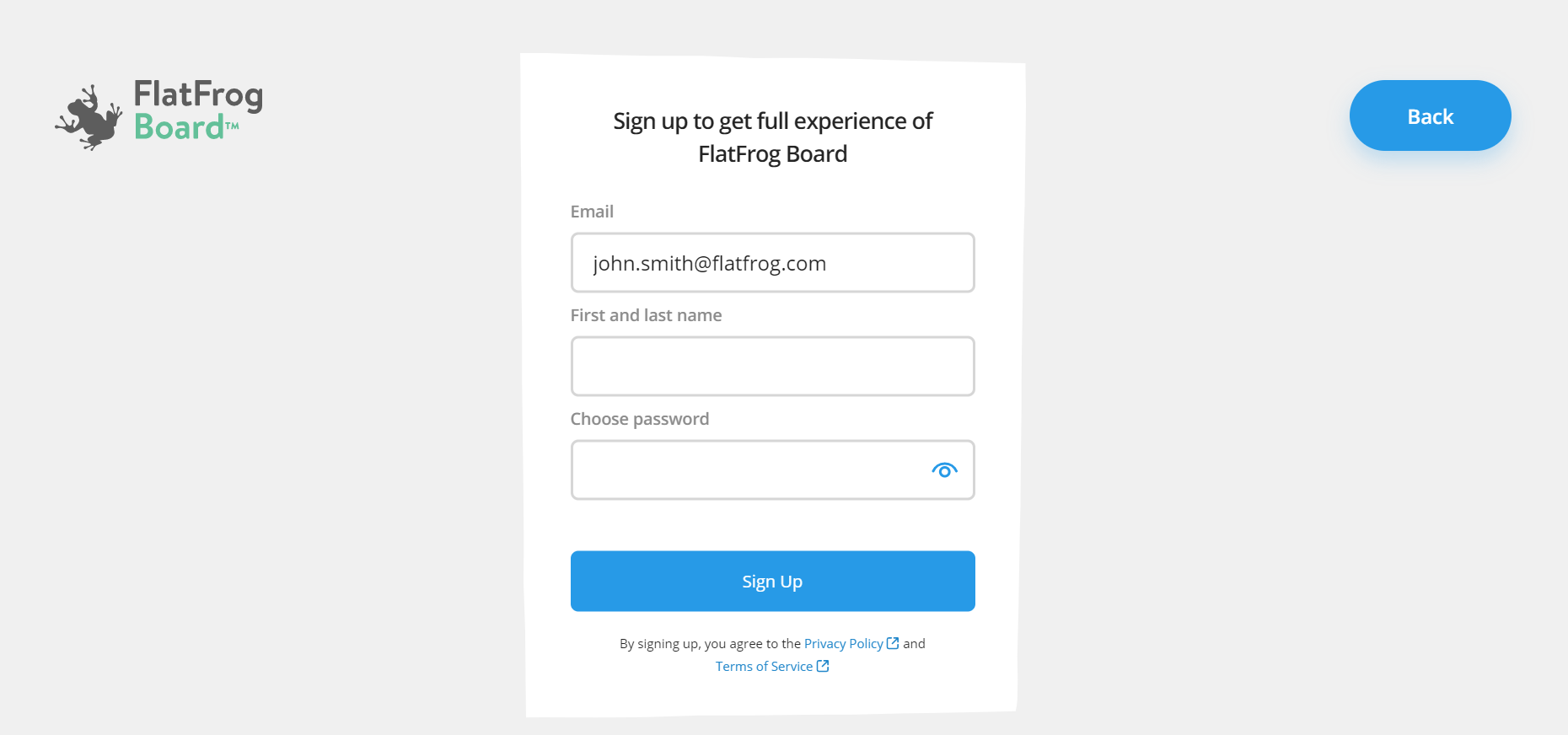
When you finish Sign Up you will receive a welcome message in your email inbox.