![FlatFrog_logo.svg]](https://help.flatfrog.com/hubfs/FlatFrog_logo.svg)
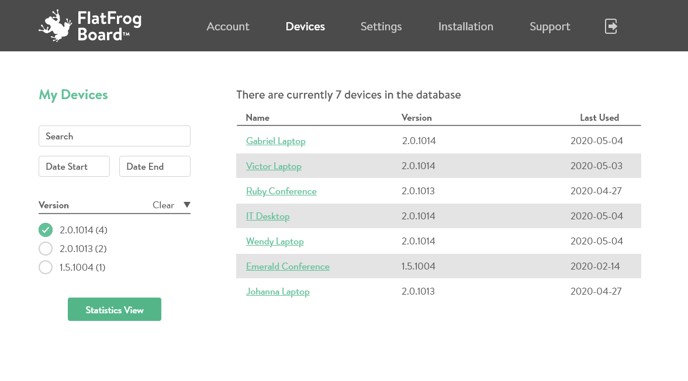 Under Devices, you can see:
- the name of each device
- how many devices you have
- what version of the application is installed
- when that device last used FlatFrog Board
For even more information, you can click on 'Statistics View' to show:
- the tenant
- registered email
- if device is currently active
Device Settings
Click on the name of the device to edit its individual settings, change its name, and add notes to it. Learn more here.