![FlatFrog_logo.svg]](https://help.flatfrog.com/hubfs/FlatFrog_logo.svg)
Adding Sticky Notes
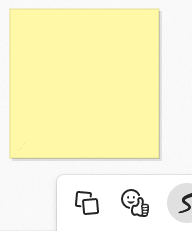
Clicking the Sticky Note Icon on the board posts a sticky note that you can write on with your pen.
|
Tap on the sticky note icon to place a sticky note on the board. Write on the sticky note to annotate it. You can drag the sticky note to move it around or pinch to resize it. |
 |
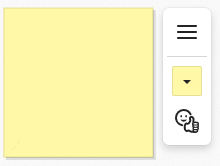 |
Tapping on the sticky note will bring up quick access to change color or add a sticker to the sticky note. Expand the menu for more options. |
| In the expanded menu you will have more options to manipulate the sticky note. | 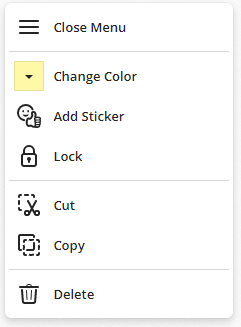 |
 |
Use your large format displays pens to annotate on the sticky note. |