- Open the Microsoft Teams Admin Center
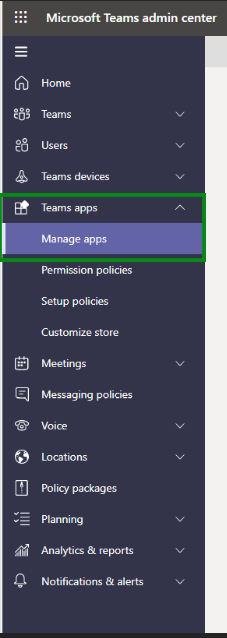
- Go to Teams apps then Manage apps
3. Search for FlatFrog and select the FlatFrog Board
4. Click on Allow in the menu

Read more at Microsoft
![FlatFrog_logo.svg]](https://help.flatfrog.com/hubfs/FlatFrog_logo.svg)
3. Search for FlatFrog and select the FlatFrog Board
4. Click on Allow in the menu
Read more at Microsoft